

respect in sport + THE SHIFT FORWARD
**NEW TO 2026/'27 SEASON**
Hockey Canada is launching "The Shift Forward: Evolving Hockey Culture" - a new national learning and development program for parents/guardians, coaches, and team officials.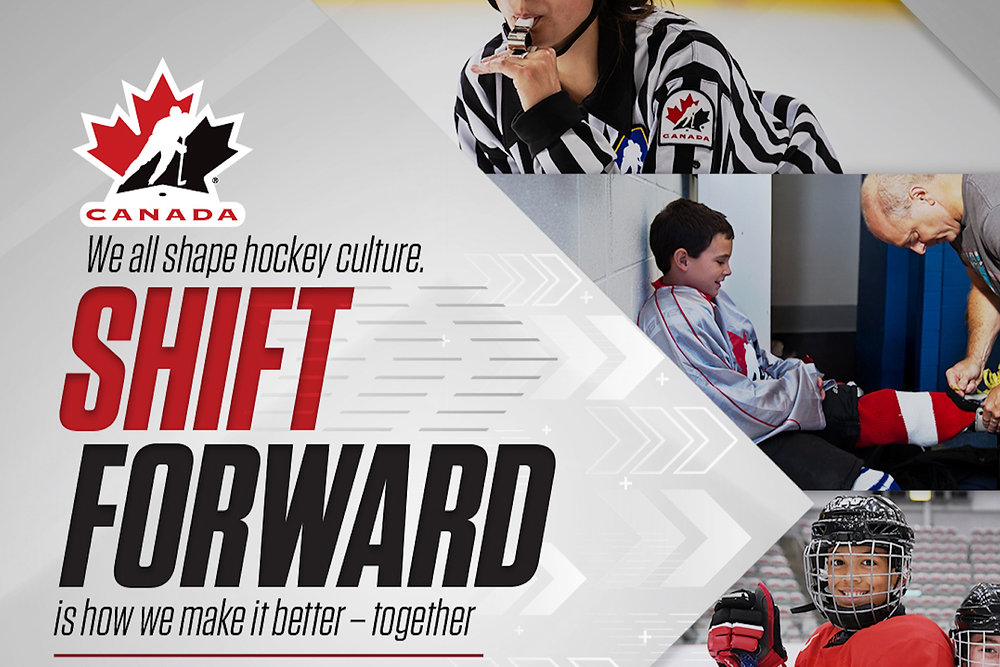
This new program replaces the requirement for Respect in Sport. Please note: Existing Respect-in-Sport (RIS) certifications will continue to be recognized until their expiry dates during the transition period.
This modernized education program is designed to support a healthier hockey culture both on and off the ice through more engaging, age-appropriate, and progressive training opportunities.
If your Respect in Sport has expired, follow the instructions below to complete the Shift Forward Program.
Still have questions? Please contact IMHA's Registrar - indusminorhockey.registrar@gmail.com
1st time player to hockey canada
If your child(ren) are brand new registrant(s) to Hockey Canada, please follow the instructions below.
1. Visit website
2. Click "Register". You will be prompted to login to your Spordle account. After payment is made, instructions will be sent to your email.
MY respect in sport has expired
If your Respect in Sport certification has expired, follow the instructions on The Shift Forward website (for parents and/or coaches and team officials).
new child registering IN HOCKEY; MY RESPECT IN SPORT IS ACTIVE FOR MY OTHER KID(S)
1. Visit website
2. Login using your User Name + Password
Use the links at the bottom of the form fields if you need to retrieve either your User Name or Password.
- If you don't have your User Name, you will be required to enter your last name and birthdate (it is the birthdate of the parent who initially completed the course)
- If you don't have your Password, you will need to enter your User Name and reset the password by entering a new one.
3. Once you've logged in, click on the "Profile" tab on the menu (top of page)
4. Click on "Child Management" on the menu (left-hand side) and review list of children currently entered on your profile. Add child(ren) not shown.
- Please enter your child's name and birthdate EXACTLY as you would have in your IMHA registration. The spelling of both first and last names need to be exact in order for the system to correctly pull up your child.
- Ensure you choose "INDUS" as your child's association.
- Please contact the Registrar - indusminorhockey.registrar@gmail.com if you have questions. Discrepancies will result in an additional child profile being created.
When your child's information is entered correctly, click on "Add Child" at the bottom of the page. The page should automatically update to include the new child on the list of children and their Hockey Canada number.
5. Repeat Step 4 for each child not appearing under your profile.
6. Once your list is complete, click "Log Out".
the shift forward - faq
Get all of your questions answered in The Shift Forward - FAQ
Respect in sport - faq
>> i don't know if my respect in sport is still active?
>> MY Respect in sport is valid for another two years - do i need to take "the shift forward" course, too?
>> i took the RIS course with another sport. Is that valid?
1. Visit website
2. Select "Register a New User"
3. Enter your existing certificate number and click "Check" (the first field at the top of the page).
Once it has been validated, you will just need to complete the registration and the certificate will be ported and updated to the Hockey Canada Registry.
THE SHIFT FORWARD HELP DESK
RESPECT IN SPORT help desk
Email: helpdesk@respectinsport.com
Toll Free Telephone: 1-866-945-9906